
Access Control Systems in Oklahoma City
Keypads, fobs and card readers for the point where handing out physical keys has stopped making sense. Credentials revoked in seconds instead of a rekey, and a record of who opened which door and when.
What it solves
The Problem Is Not the Lock, It Is the Paperwork
A key cannot be switched off. Everything access control does well comes back to that one difference.
An employee leaves on Friday. With keys, that is a rekey. With credentials, it is thirty seconds and nobody drives out.
That is the case in one sentence. Beyond it, three things become possible that a mechanical key cannot do at all. Access can be scheduled, so the cleaner's fob works between six and nine and not at two in the morning. Access can be zoned per person rather than per key ring. And the system keeps a log, so a question about who was in the stock room on Tuesday has an answer.
Where it does not help is cost per door on a small site. Four doors and six staff with a sensible master key system is usually cheaper and simpler than four readers and a controller. We will say so when that is the case.
Most installs end up mixed. Readers on the doors with turnover and traffic, mechanical cylinders on the rest, and a key override on the main entrance for the day the power is out.
Credential types
Three Ways In, and What Each Costs You
The credential decides how the system behaves in practice. It is worth ten minutes of thought before the hardware is ordered.
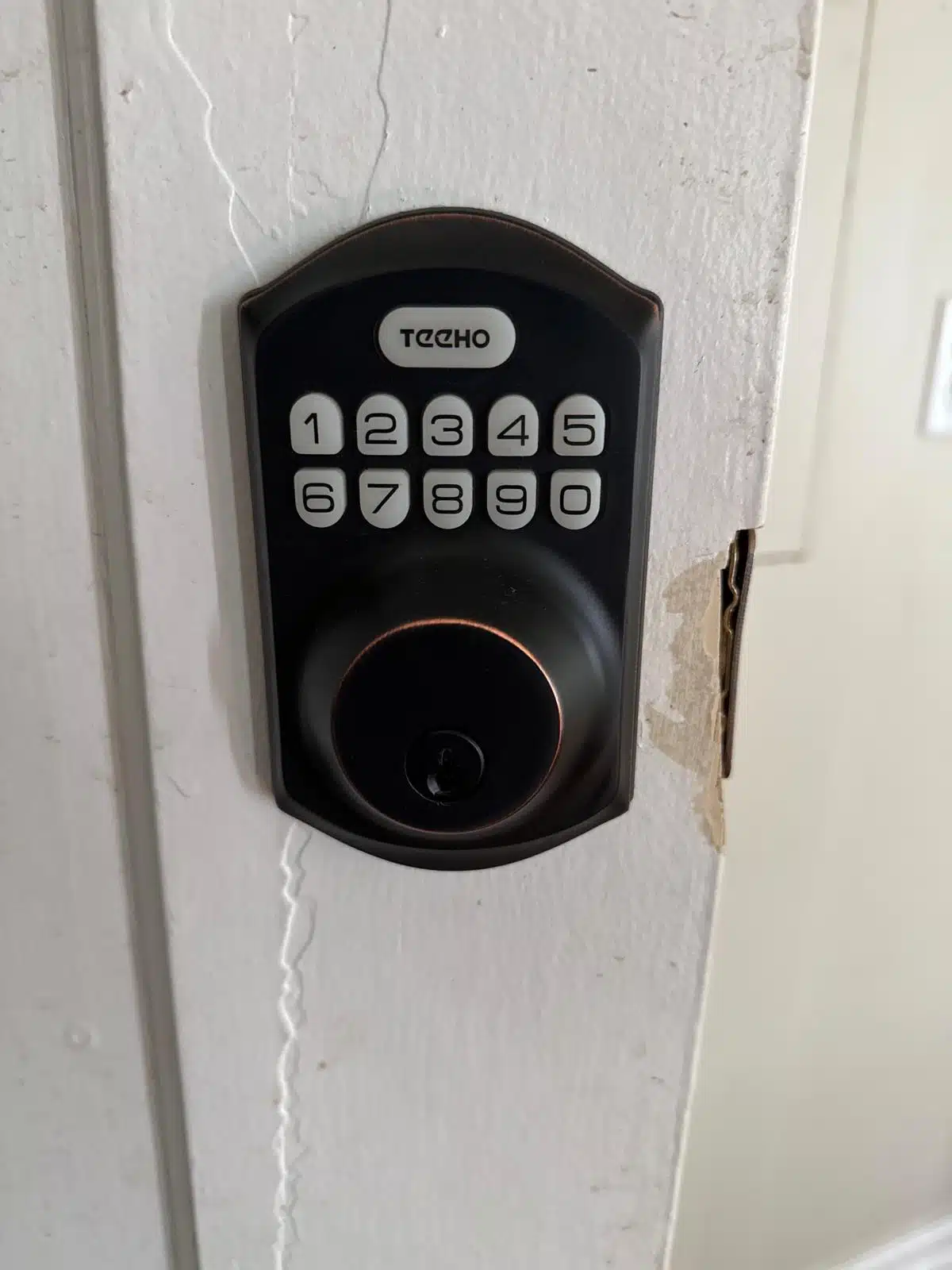
Keypad Codes
Cheapest to run and nothing to lose or replace. The weakness is human: codes get shared, get written on the frame, and stay in use long after the person who needed them left. Good for low turnover sites and for doors where convenience matters more than an audit trail.
Fobs and Cards
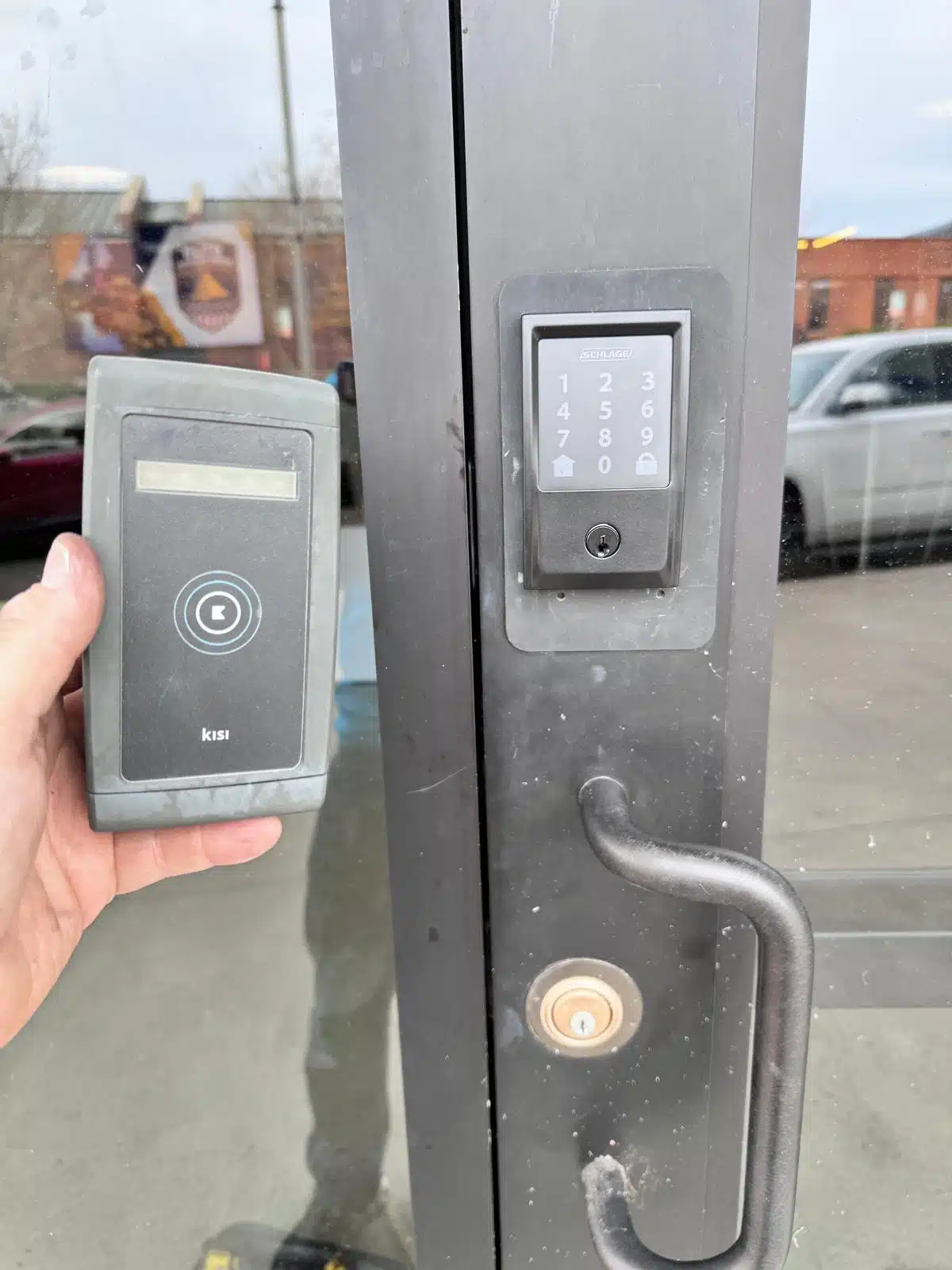
One credential per person, which is what makes the log meaningful. Lost fobs are deactivated rather than chased. This is the default for most commercial sites and the point where access control starts earning its cost.
Mobile Credentials
The phone is the key. Nothing to issue, nothing to collect back, and access granted remotely to a contractor who is standing at the door. Depends on a working phone and a system that supports it, so it usually sits alongside fobs rather than replacing them.
Where it fits
Doors That Benefit Most
High Turnover Staff
Restaurants, retail and warehouses where people join and leave often enough that rekeying stops being realistic.
Shared Entrances
Multi tenant buildings where dozens of people need the front door and nobody is accountable for the key count.
Restricted Rooms
Server rooms, records and drug storage, where the question is not only who can enter but who did and when.
Out of Hours Access
Cleaners and contractors who need a window rather than a key. Schedules close the door outside it automatically.
Delivery and Dock Doors
Drivers and vendors given time limited access without anyone handing over a key that never comes back.
Gates and Yards
Perimeter access on a remote site, where a keypad on the gate saves a trip to let somebody in.
Rental Property
Common doors under management control while units stay mechanical. See property management.
After a Key Loss
When a master goes missing, replacing the affected doors with credentials avoids the same problem recurring.
How we spec it
The Questions That Decide the Install
What happens when power fails
Fail secure locks stay locked without power, fail safe locks release. Which one a door gets is driven by whether it is an exit route and by fire code, not by preference. In Oklahoma, where storm outages are routine, this is not a theoretical question.
Free egress is never negotiable
People must be able to get out from the inside without a credential, a code, or any special knowledge. Access control secures entry. It does not restrict exit, and any design that does is a code violation. See exit devices.
Standalone or networked
A standalone reader programmed at the door is cheap and fine for one or two entries. Once you want central control, schedules and a log across several doors, a networked controller is the honest answer and the price reflects it.
Battery backup, tested
Backup power is confirmed working before the job is signed off, not assumed because a battery is in the box. We test the door on backup, not just the panel.
Keep a mechanical override
At least one door keeps a key cylinder that works with no power and no electronics. It costs almost nothing at install and it is the difference between an outage and a closed business.
You get the admin access
Credentials are programmed and handed over with the admin login in your name. A system only your locksmith can administer is a system you do not really own.
Not sure if you need readers or just better keys?
The walkthrough answers that, and it costs nothing either way.
Where we work
Access Control Across the OKC Metro
Mobile service from Edmond. Hardware with a lead time is scheduled rather than same day.
Access control questions
What Owners Ask First
What happens to the doors in a power cut?
It depends how each door was specified. Fail secure hardware stays locked with no power, fail safe hardware releases. Exit routes and fire rated openings are governed by code rather than preference. We also keep at least one mechanical key override on the building, because in Oklahoma a storm outage is a normal Tuesday and a business that cannot open its own front door has a real problem.
Is access control cheaper than rekeying every year?
Over a few years on a high turnover site, usually yes, because deactivating a credential costs nothing and a rekey costs a visit. On a small site with stable staff it is often the opposite, and a well designed master key system does the job for less. The honest answer depends on door count and how often people change.
Can I keep my existing locks?
On many doors yes, with the reader controlling an electric strike while the existing hardware stays in place. Others need the lock body replaced to accept an electrified version. Which category each door falls into is settled during the walkthrough, before the quote.
Does it stop people getting out?
No, and any system that did would be illegal. Free egress from the inside without a code, credential or key is a requirement on commercial doors. Access control governs who comes in. Getting out stays unrestricted, which is also why exit hardware is assessed alongside it.
Who can add and remove users?
You can. The admin account is set up in your name and handed over with the system. We will walk your manager through adding a fob, removing one and pulling a log before we leave, and we are on the phone afterwards if something is unclear.
How many doors does it make sense for?
One or two doors are often best served by standalone readers programmed at the door. Somewhere around three or four, central control with schedules and logging starts paying for itself. Above that the argument is usually settled. We size it to the building rather than to the biggest system that fits.